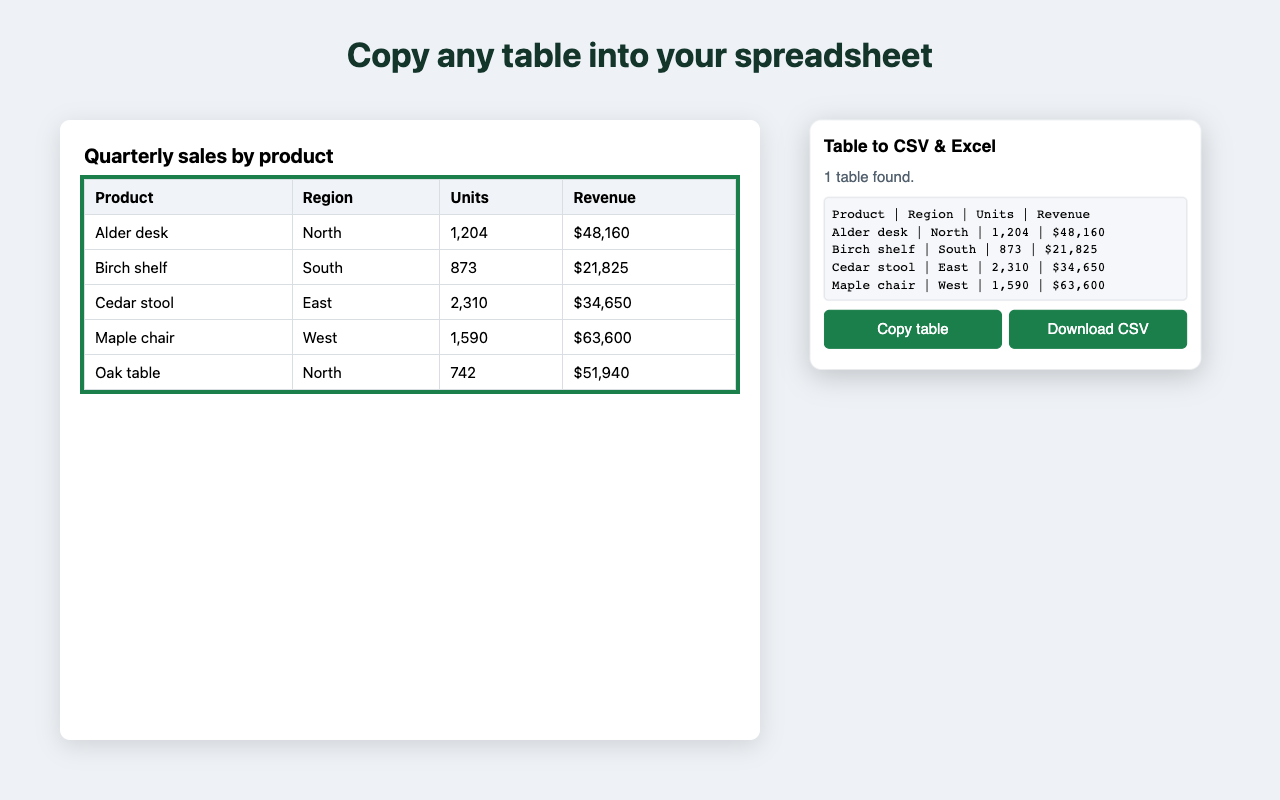
Copy any table on a web page into a spreadsheet, or save it as a CSV file, in one click.
Get it on the Chrome Web Store
An optional Pro upgrade is planned for a later version.
How to copy a table from a website into Excel or Google Sheets
How to export a table from Chrome to Excel
How to export a table with merged cells to CSV
No. It works on the page you click it on, and nothing about your browsing is sent anywhere.
Yes, within 14 days of purchase. Email frankjgilroy@gmail.com. See the terms of sale.
Email frankjgilroy@gmail.com with the page address and what you expected.
Contact: frankjgilroy@gmail.com