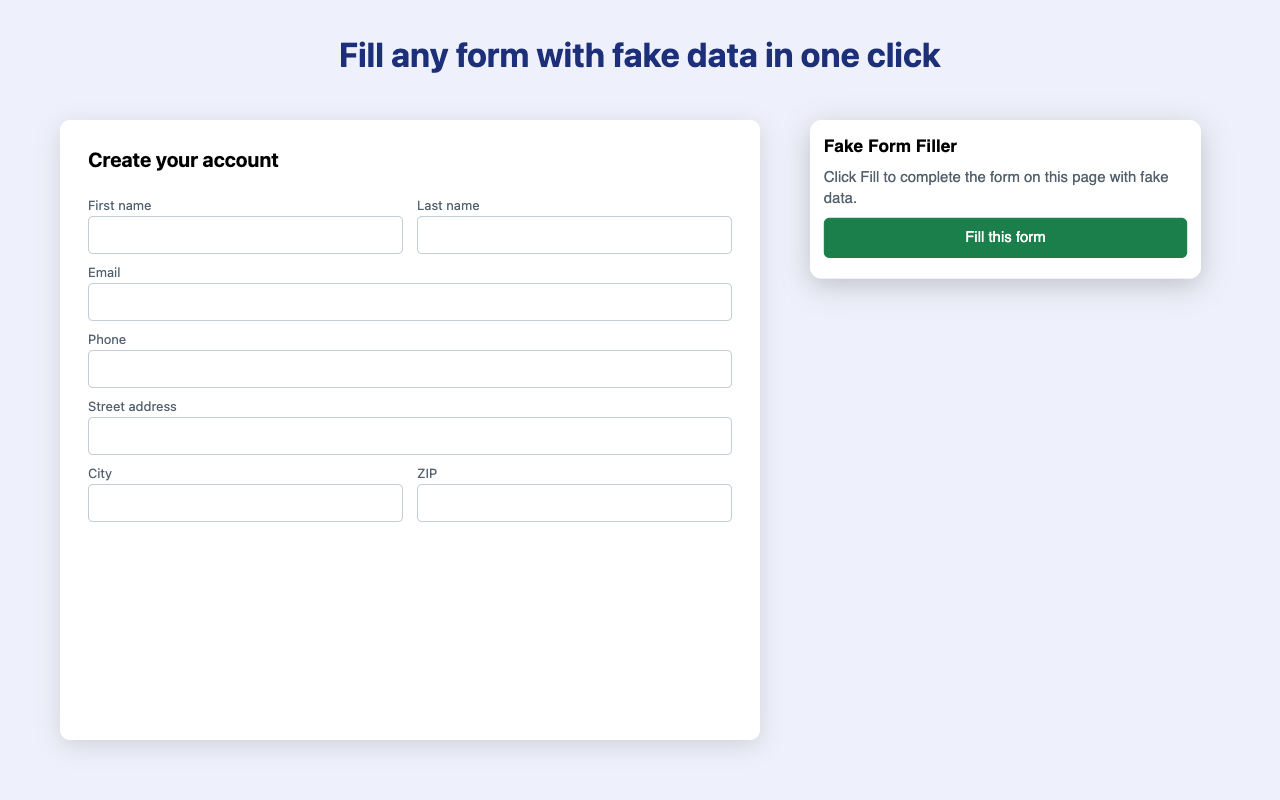
Fill every field of a web form with realistic fake data in one click. Works from the toolbar icon or right-click menu.
Get it on the Chrome Web Store
An optional Pro upgrade is planned for a later version.
How to fill web forms with fake test data
Test email addresses for sign-up forms that reach nobody
No. It works on the page you click it on, and nothing about your browsing is sent anywhere.
Yes, within 14 days of purchase. Email frankjgilroy@gmail.com. See the terms of sale.
Email frankjgilroy@gmail.com with the page address and what you expected.
Contact: frankjgilroy@gmail.com